
Reporting
Insights
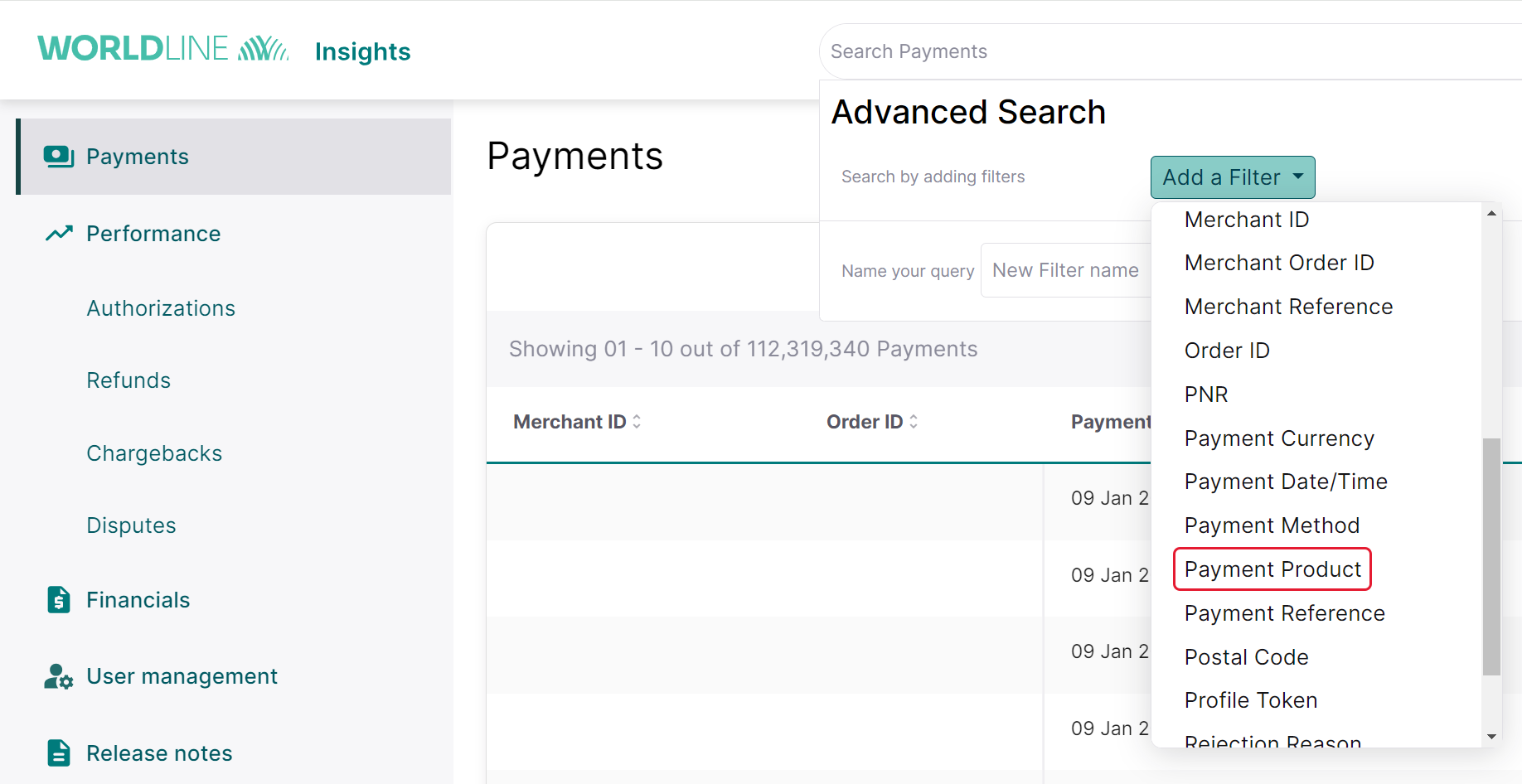
- In the advanced search, please add a filter for Payment Product.
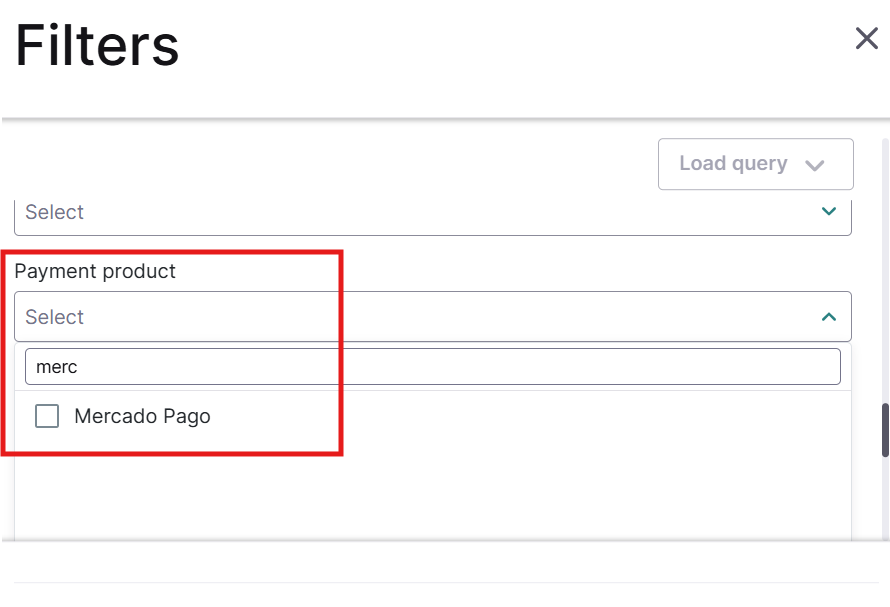
- Search for Mercado Pago.
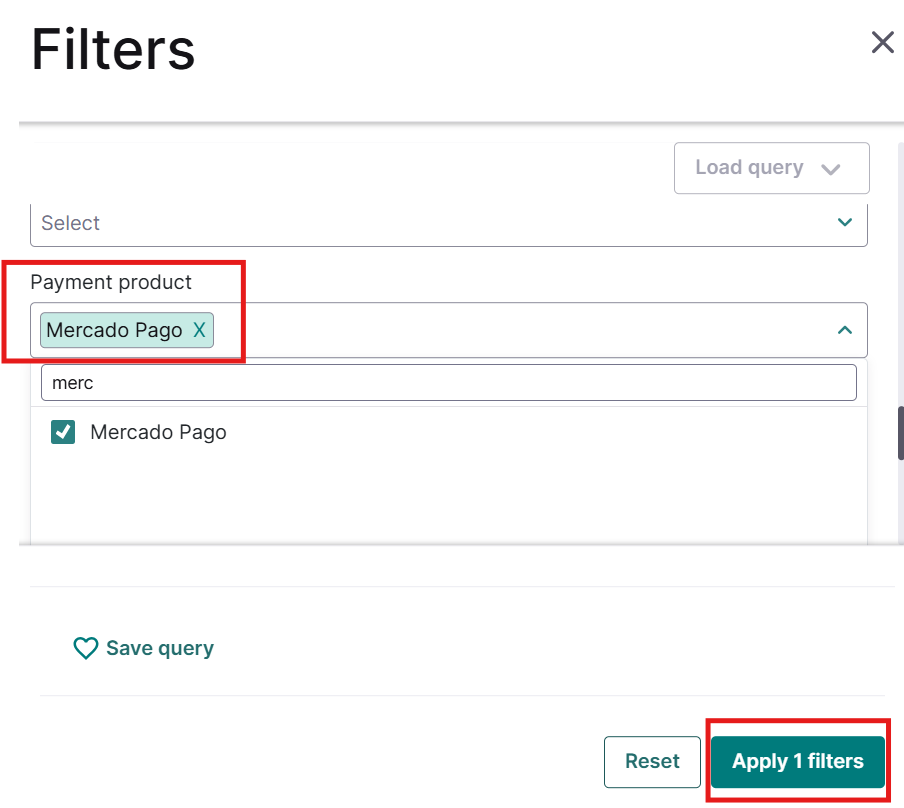
- Select Mercado Pago to add as a filter for the search option and proceed further.
Scheduled reports
This report (also known as the WX file) provides comprehensive information on all completed orders and transactions, including the total amount owed in each currency. Each merchant ID, account ID, or contract ID gets its own individual report. This is essential for keeping your order management system current with the payment activities handled by the GlobalCollect platform.
You can access this file in XML, CSV, or ASCII format. It's uploaded daily, seven days a week, to your specified secure file transfer (SFT) environment before 00:00 Central European Time (CET).
Next FAQ