
Payment inquiries
What are payment inquiries?
Payment inquiries let you ask questions about specific transactions directly from the transaction details page.
Because the form links directly to the transaction you are viewing, Insights automatically pre-fills key transaction details as read-only information. You only need to enter your question, confirm your contact details, attach supporting files if needed, and submit the inquiry.
What can you ask about?
Use payment inquiries to submit questions such as:
- Status explanations: What does this transaction status mean?
- Tracking details: What is the Acquirer Reference Number (ARN) for this refund?
- Payment tracking: Can you help locate this payment?
- Operational issues: Why can I not refund this transaction?
How can you use payment inquiries?
You can access payment inquiry from the transaction details page in Insights:
- Open Insights and go to the "Transactions" area.
- Search for the transaction or payment that you want to ask about.
- In the transaction details page click the Inquiry button.
If inquiry is the only available action, it is shown as a standalone inquiry button. If other actions are also available, inquiry appears inside the "Select action" dropdown.
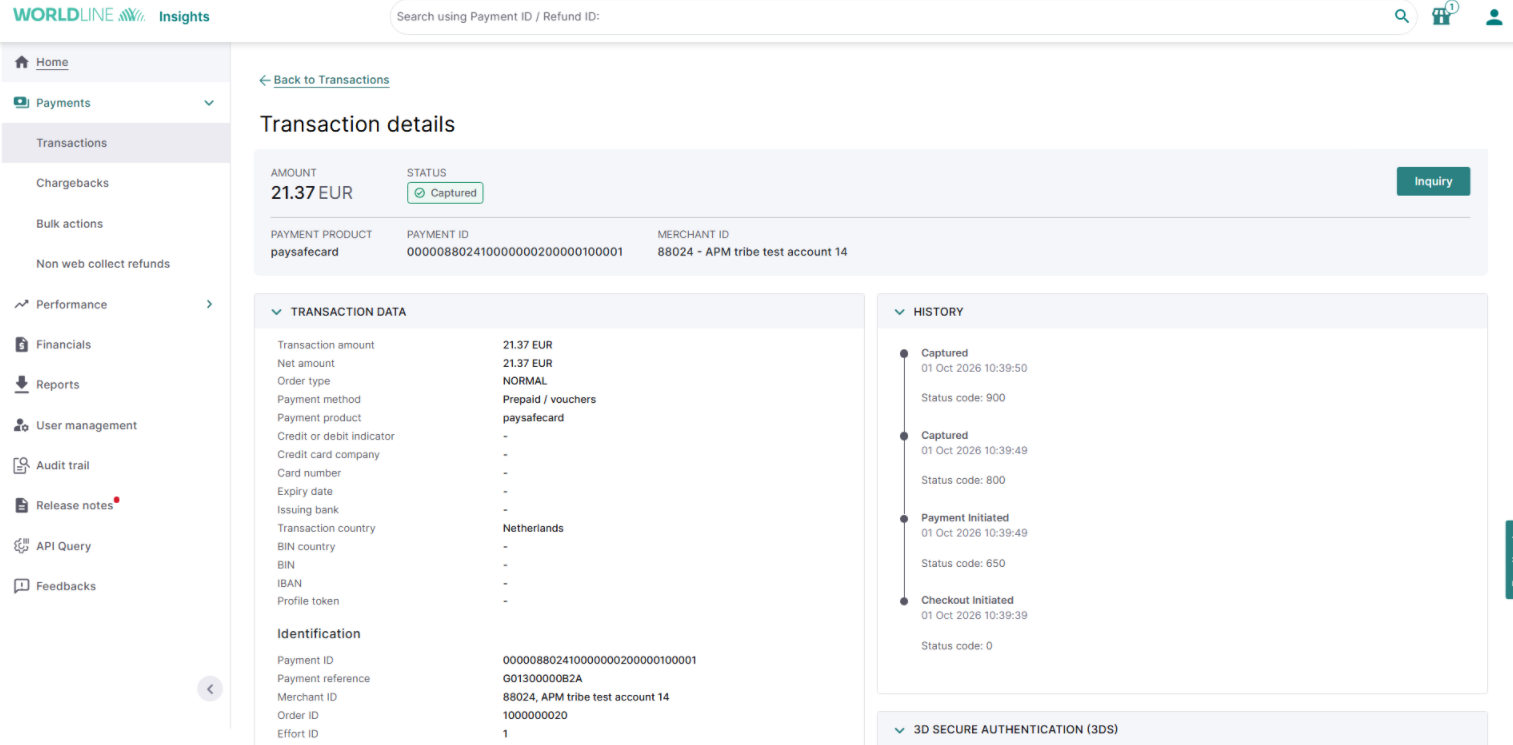
- A "Payment inquiry" side panel will open.
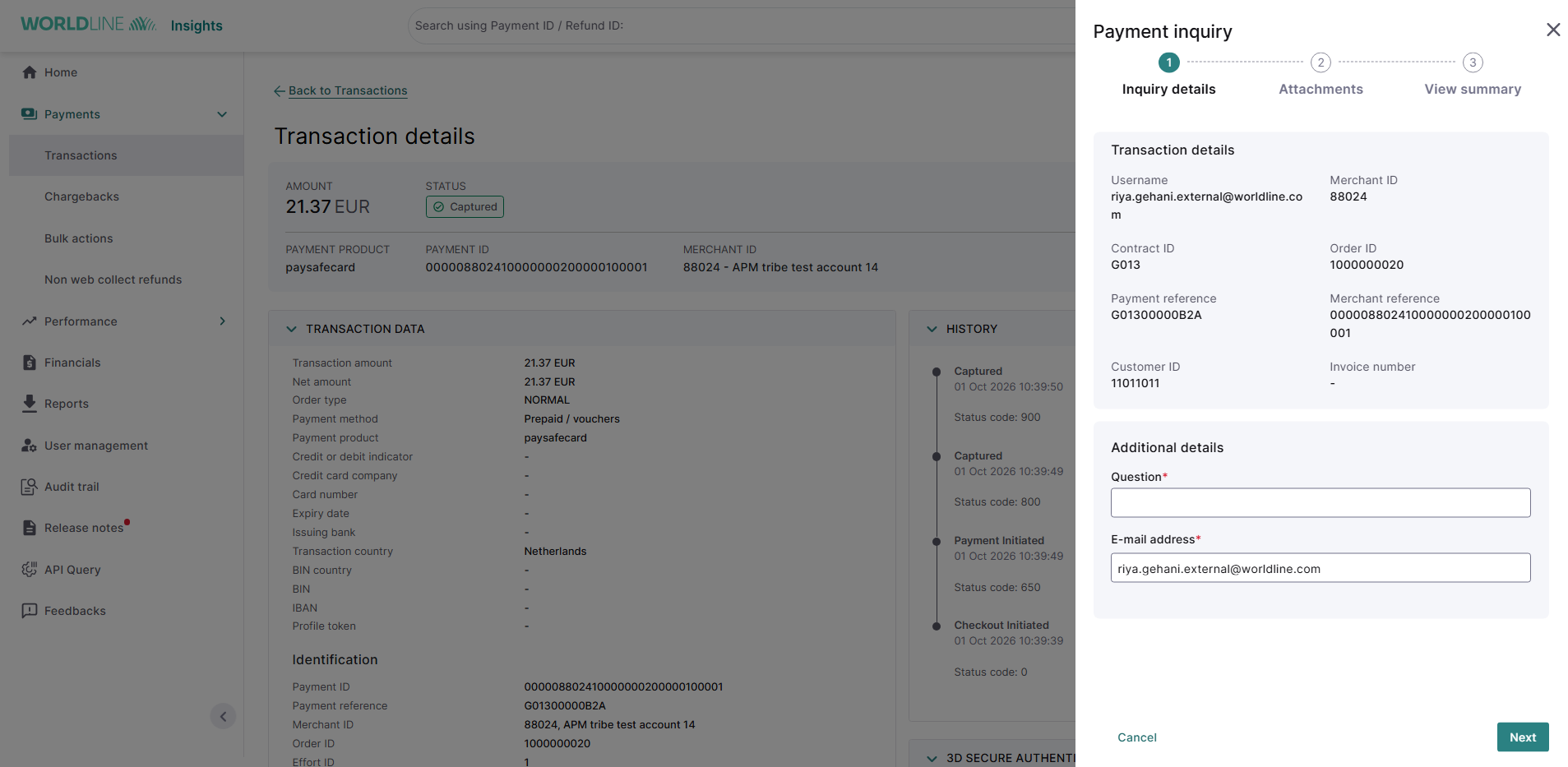
- Complete the form in three steps:
- Submit inquiry details: Enter the required details for your request.
- Add sttachments: Upload any supporting documents.
- Check the summary: Review your inquiry details and submit.
Once submitted, Insights displays a confirmation message, and you receive follow-up details by email. If any required information is missing or invalid, Insights highlights the fields with an error message.