- Overview
- Countries & currencies
- Integration
- Process flows
- Testing
- Additional information
- Consumer experience
- Reporting
- FAQ
Consumer experience
Desktop flow
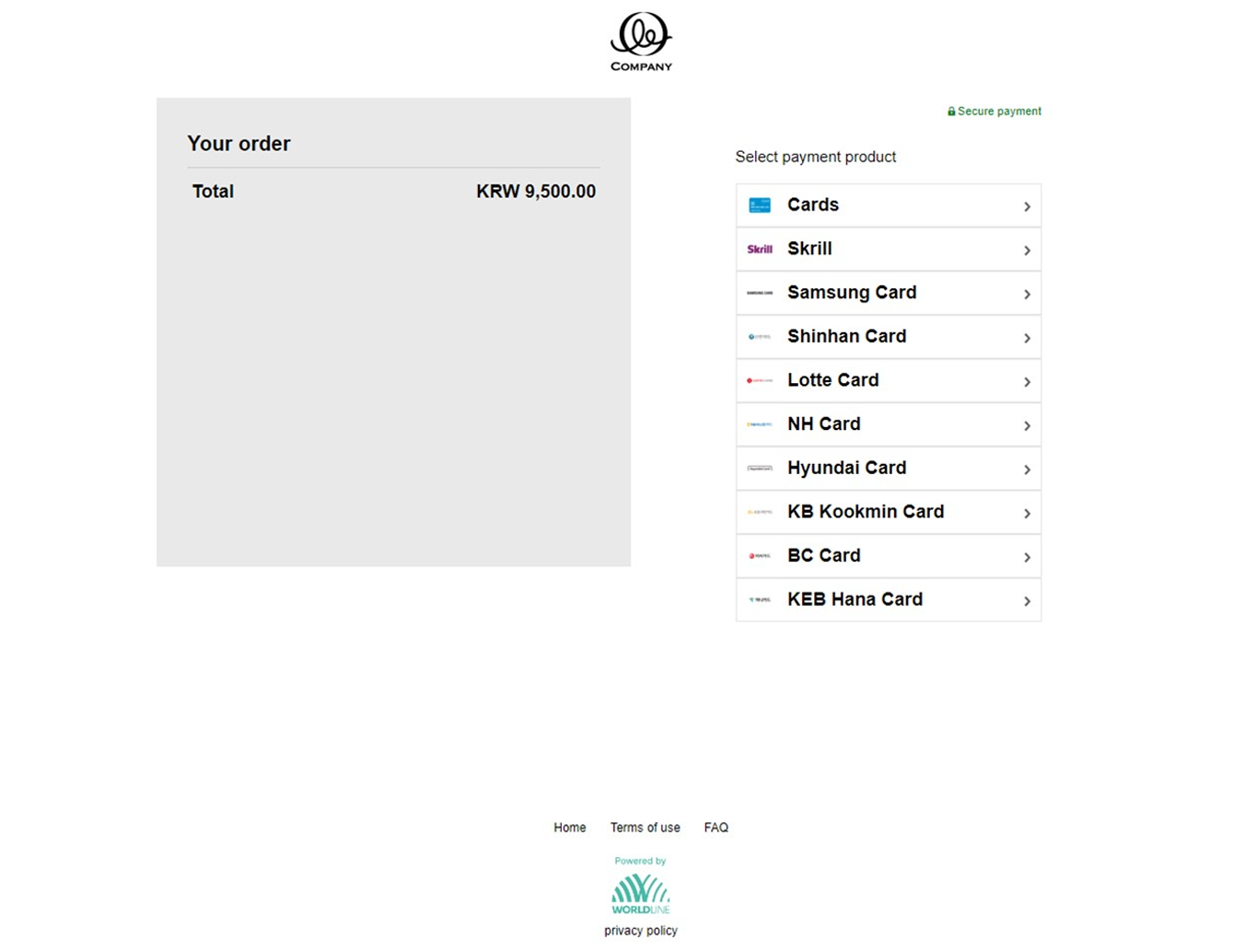
- On the checkout screen, the consumer sees all the available options, including the South Korean authenticated payment products (if opted). Consumer chooses "Cards" to proceed further.
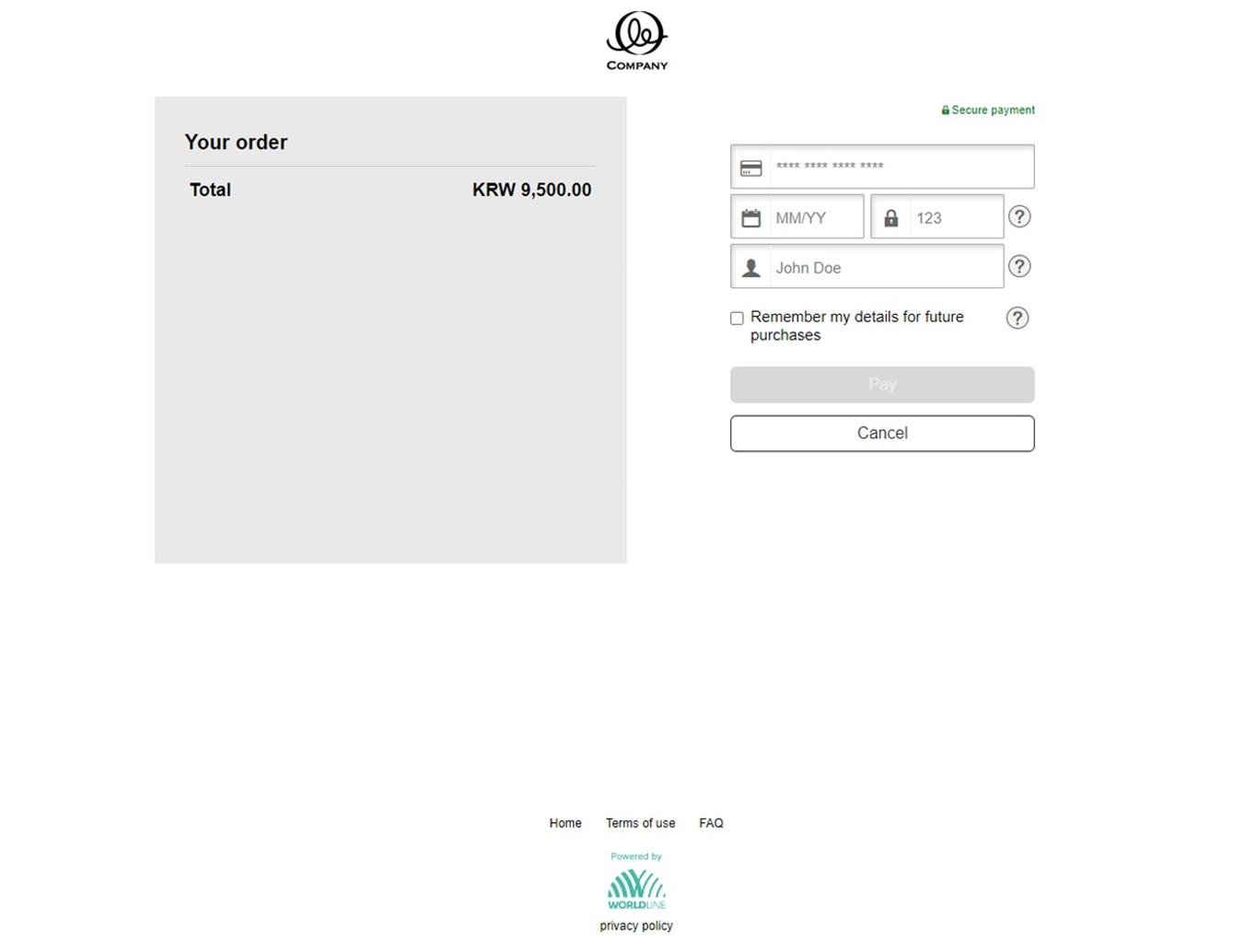
- On the next screen, the consumer has to provide their BC card details.
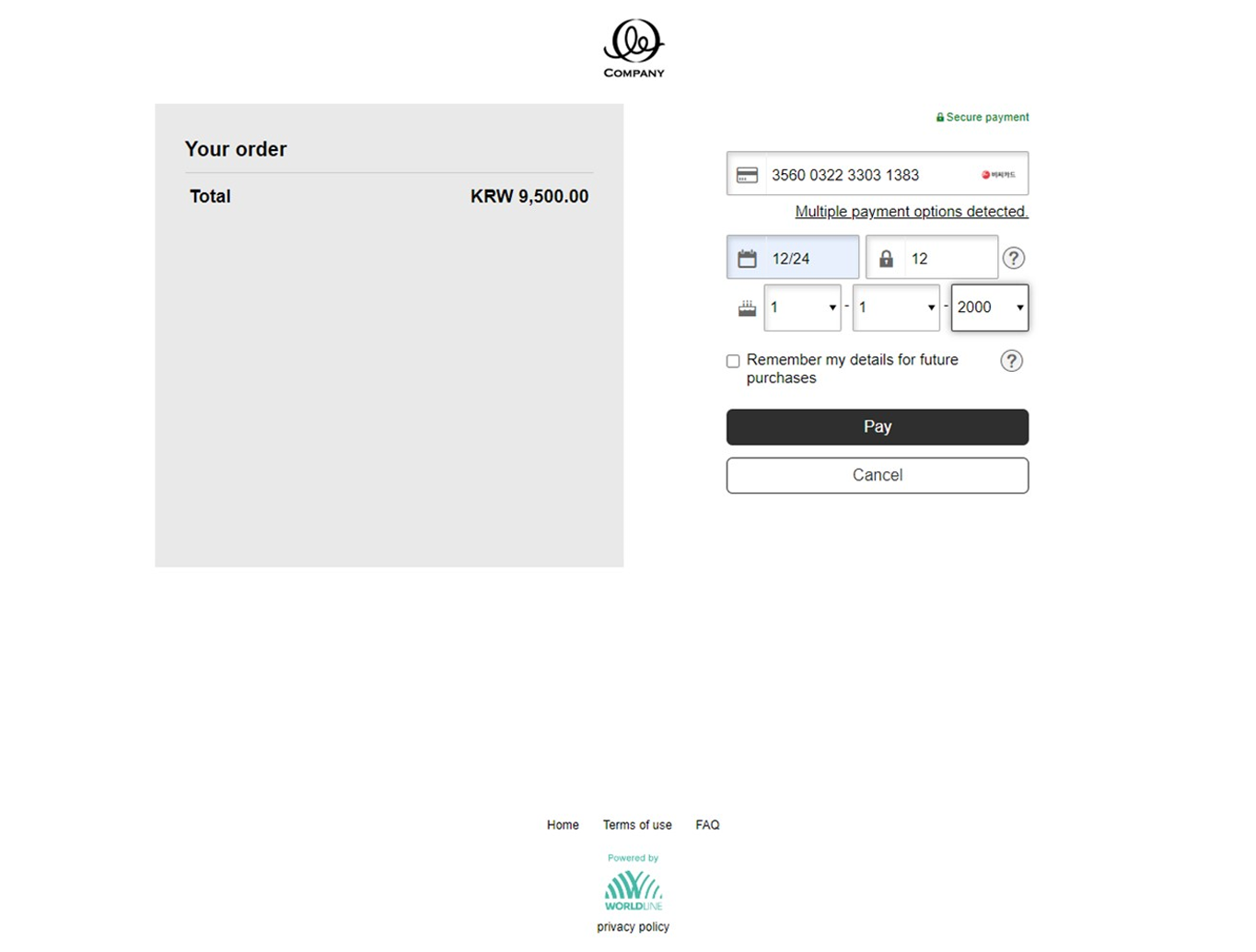
- After entering the BC card number, we'll identify the BC Card and prompt the consumer to provide a partial PIN (the first 2 digits of card's PIN) and date of birth (optional). These two fields are requested by BC card as a means of additional verification. After entering details, the consumer will click on "Pay."
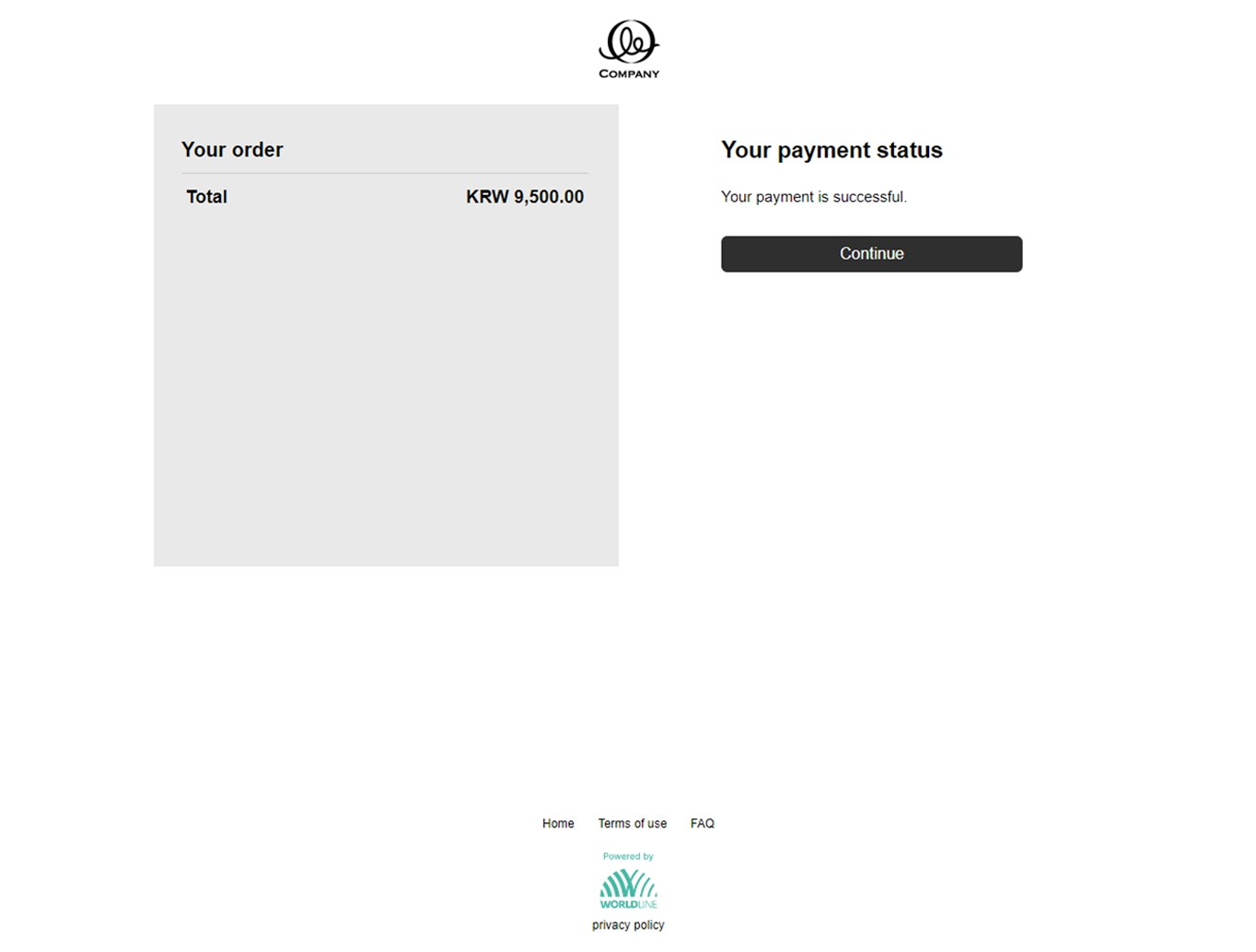
- The consumer's payment request gets authorized by BC Card, and they receive a response indicating a completed payment.
Mobile flow
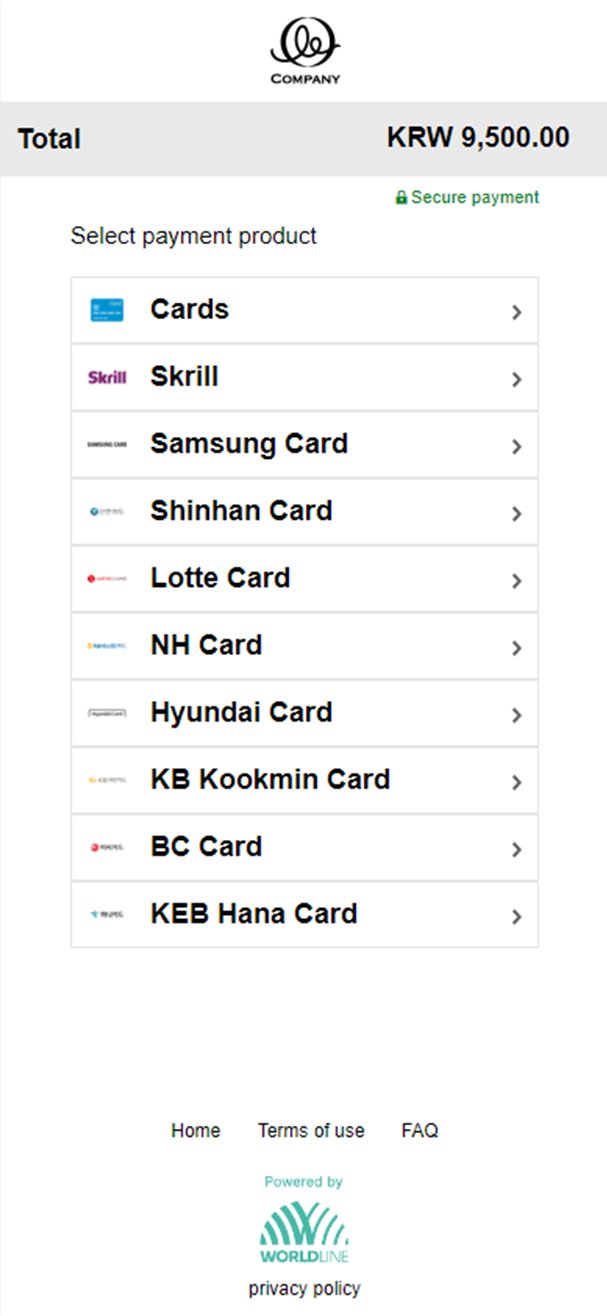
- On the checkout screen, the consumer will see all the available options, including the South Korean authenticated payment products (if opted). Choose "Cards" to proceed further.
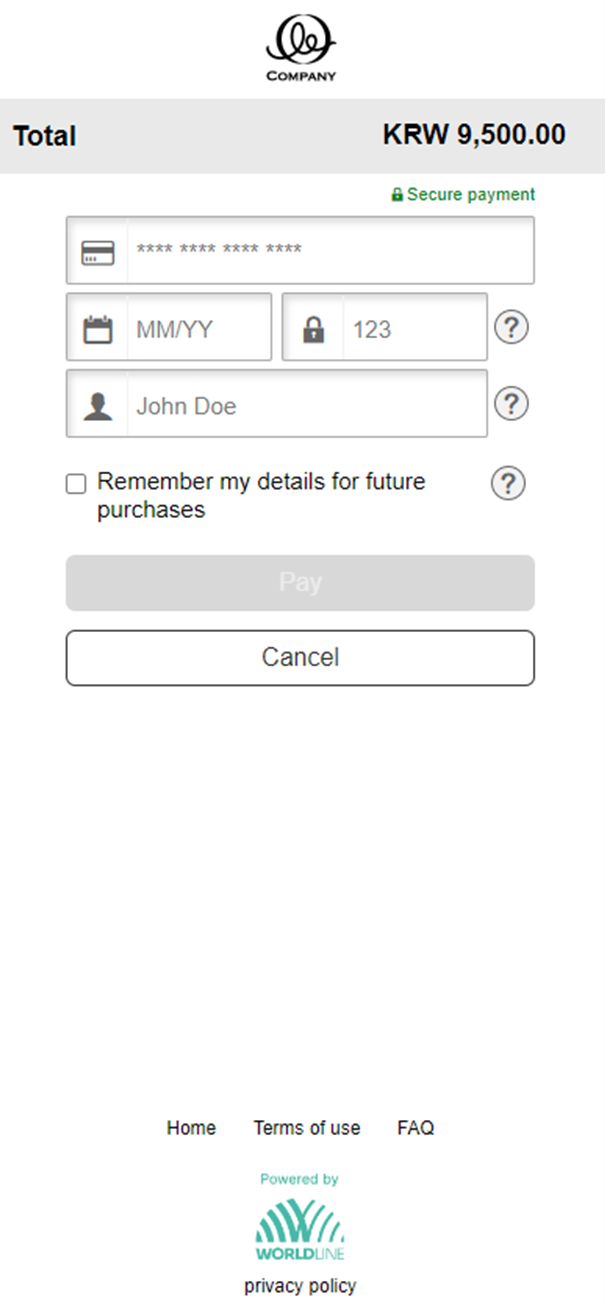
- On the next screen, the consumer has to provide their BC card details.
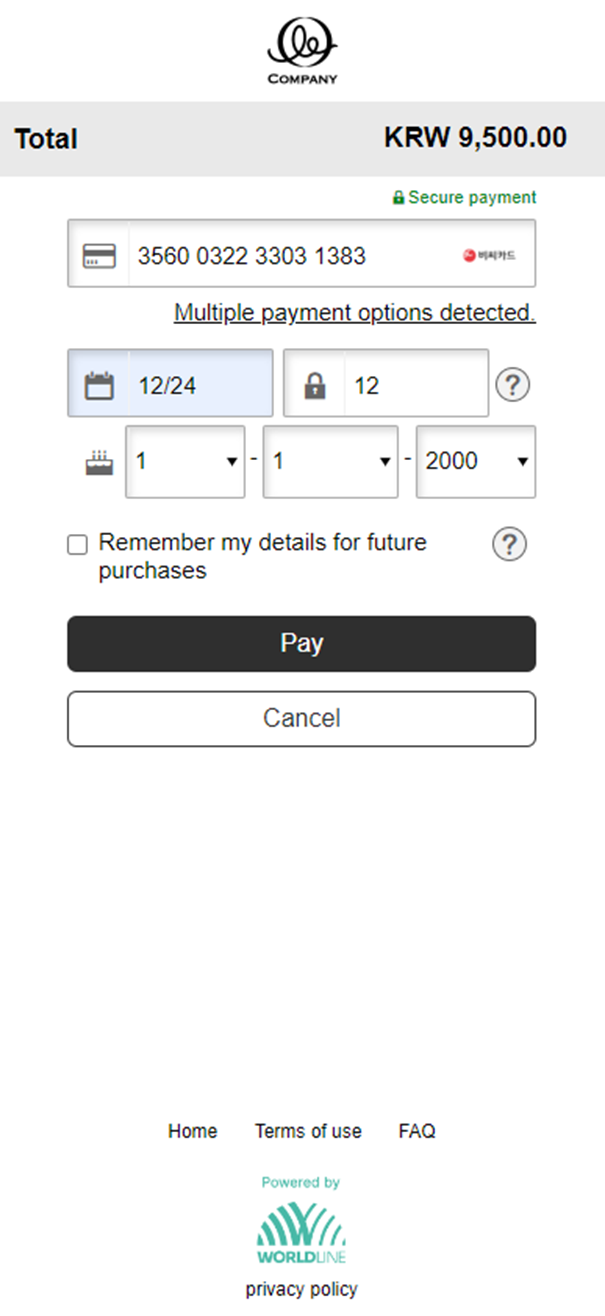
- After entering the BC card number, we'll identify the BC Card and prompt the consumer to provide a partial PIN (first two digits of CVV) and date of birth (optional). These two fields are requested by BC card as a means of additional verification. After entering details, the consumer will click on "Pay."
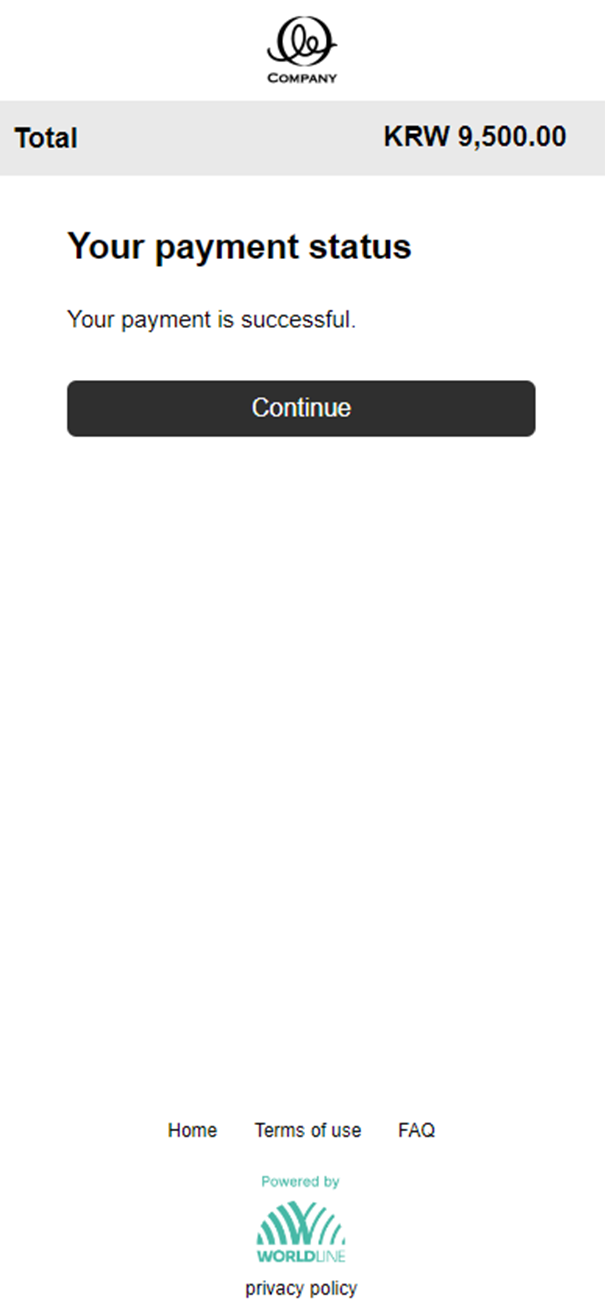
- The consumer's payment request gets authorized by BC Card, and they receive a response indicating a completed payment.