

- Overview
- Countries & currencies
- Integration
- Process flows
- Testing
- Additional information
- Consumer experience
- Reporting
- FAQ
Reporting
Insights
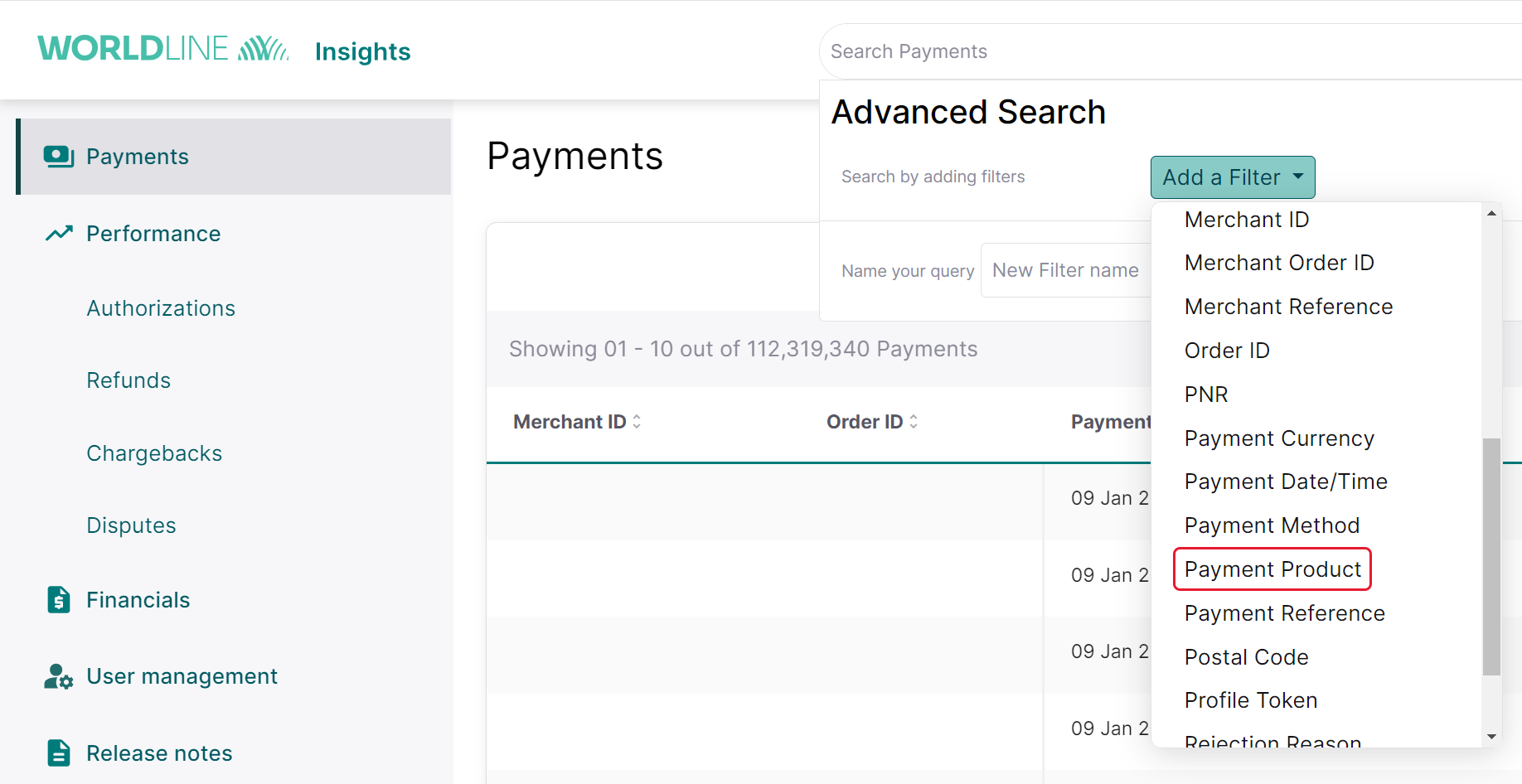
- In the advanced search, please add a filter for Payment Product.
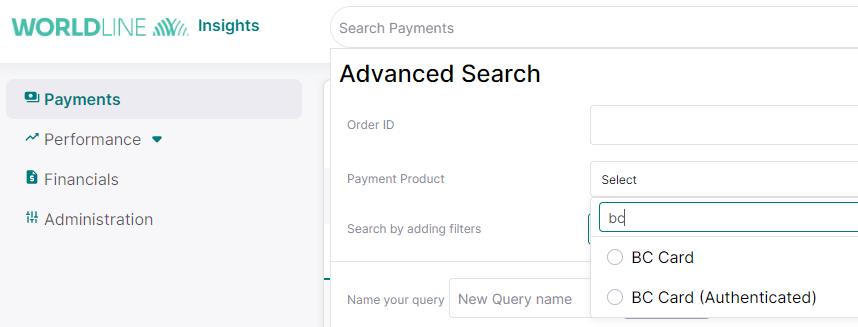
- Search for BC Card.
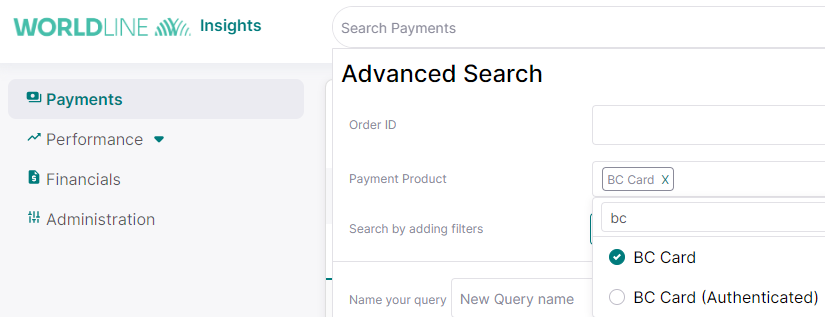
- Select BC Card to add as a filter for the search option and proceed further.
Scheduled reports
In the daily transactional reports, known as the WX file, the BC Card transactions will be shown as credit card transactions. This report will contain information about the following:
- payments: XON (Captured Payment), +ON (Collected Card Payment), -ON (Settlement Refused)
- refunds: -RF (Refund), +RF(Correction of Refund)
- chargebacks: XCB (Notification of Chargeback), -CB (Chargeback), +CB (Withdrawn Chargeback)
All the reports will be shared via secure file transfer (SFT), details for which you'll get during technical onboarding.
Next FAQ