- Overview
- Countries & currencies
- Integration
- Process flows
- Testing
- Additional information
- Consumer experience
- Reporting
Consumer experience
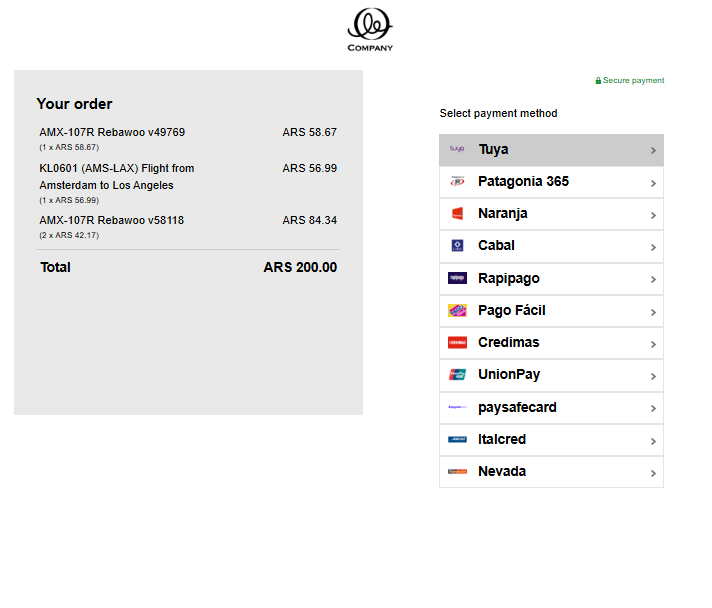
- On the checkout page, consumer chooses Tuya from the list of available payment options and gets redirected.
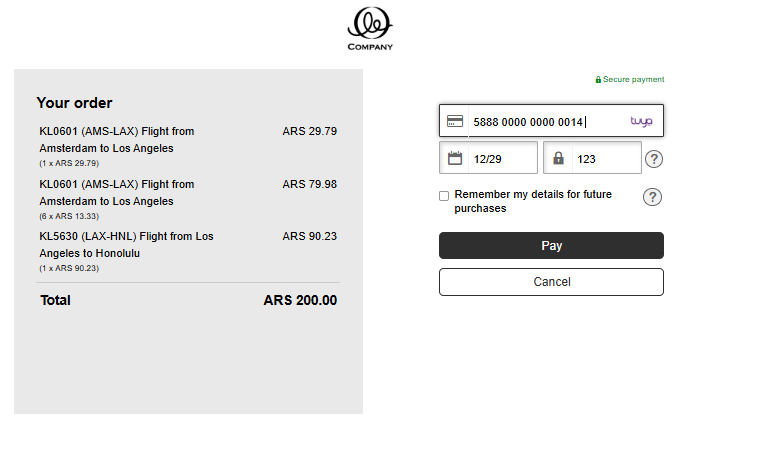
- Then, the consumer fills out the card details and presses "Pay" to proceed with the payment.
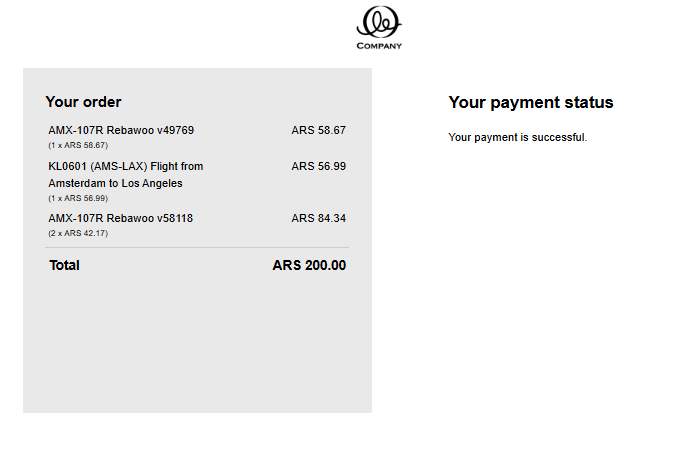
- The consumer's payment request gets authorized by Tuya, and they receive a response indicating a completed payment.