This site requires javascript to be enabled.

Pago Fácil Skip to main content
Worldline Connect Home Page

Results for

Results for Searching

Reporting

Insights

  1. In the advanced search, please add a filter for Payment Product.
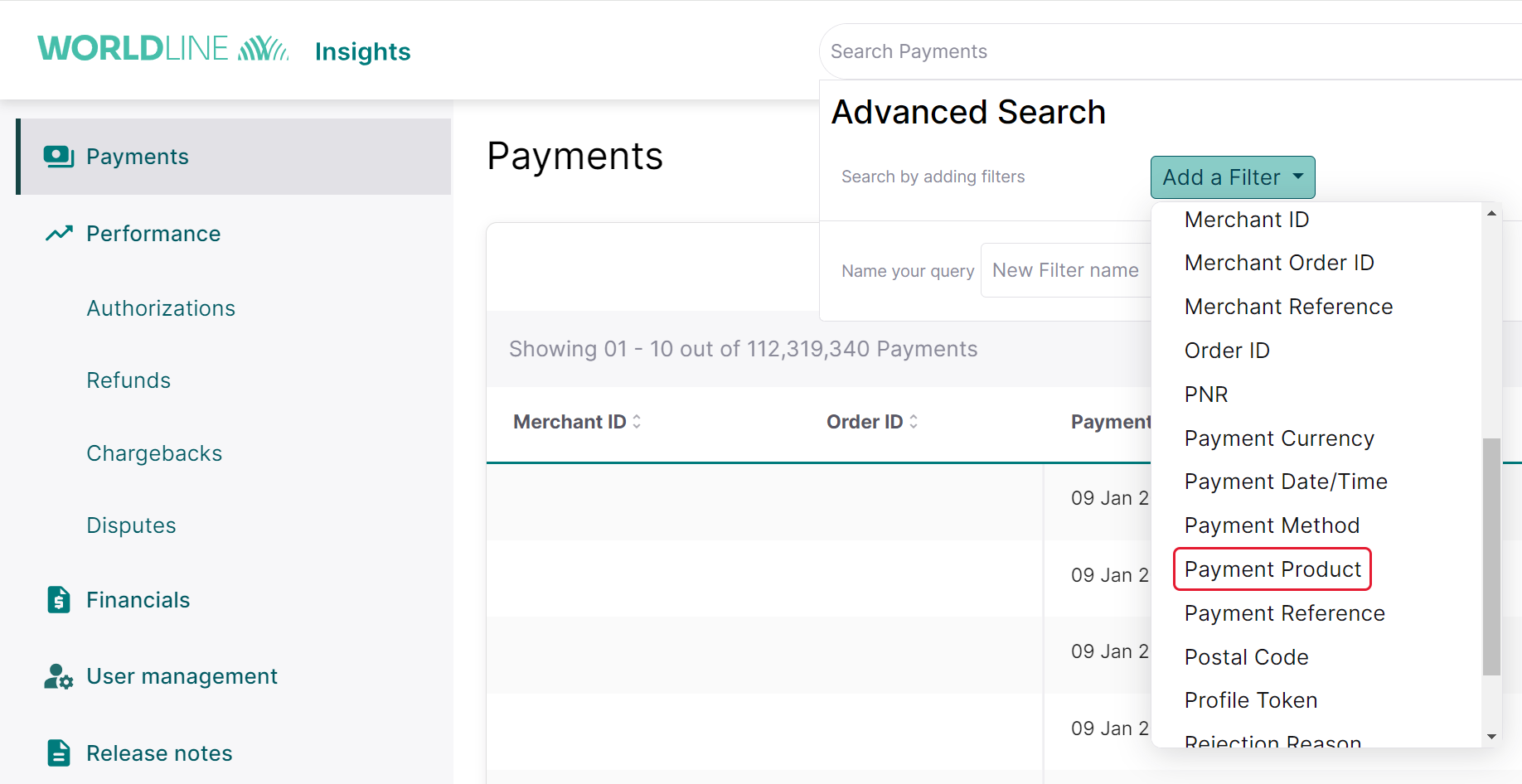
Worldline Insights Advanced Search page with Add a Filter dropdown open and Payment Product option highlighted

  1. Search for Pago Fácil and add as a filter for the search option and proceed further.
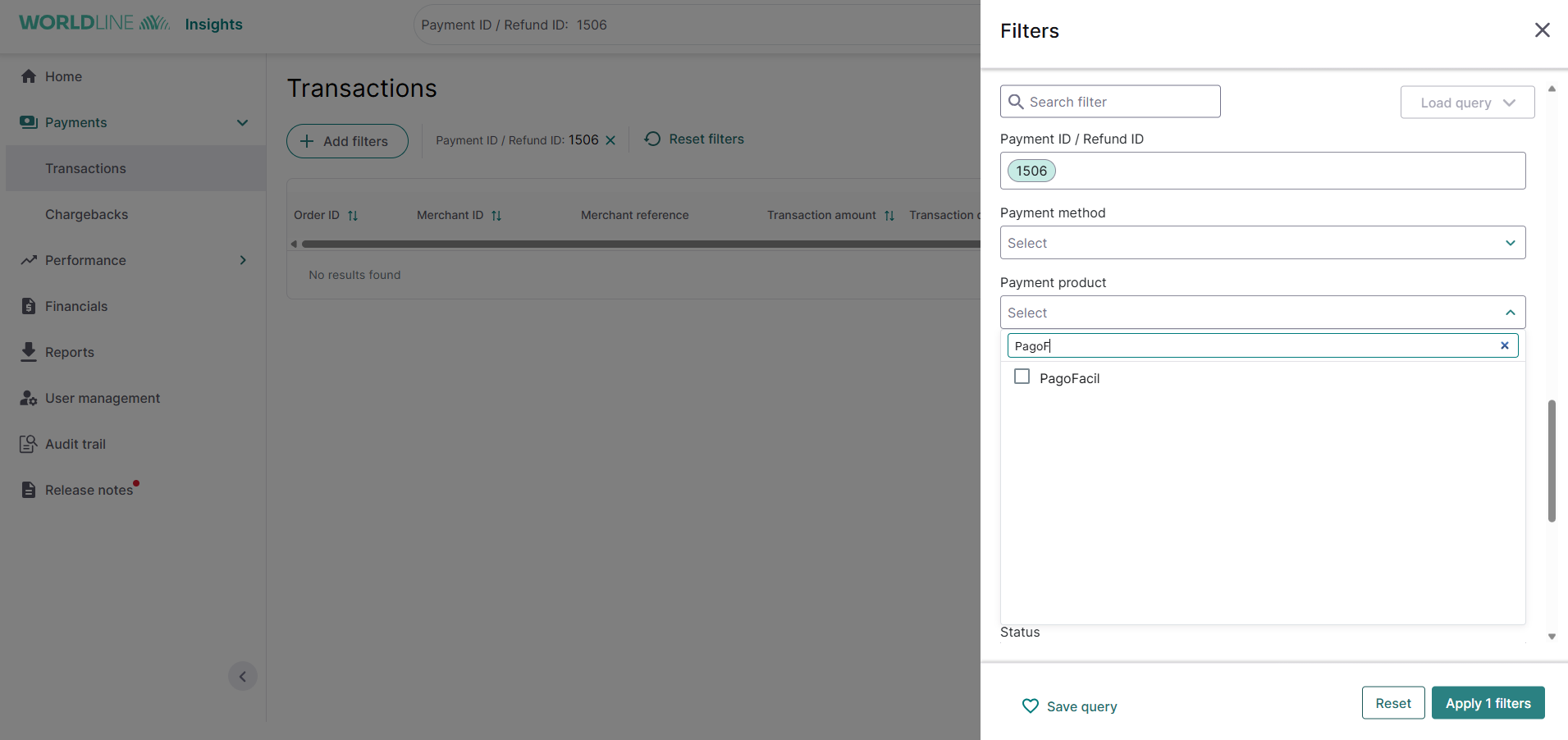
Worldline Insights Transactions page with Filters panel open, showing Pago Facil searched in the Payment product dropdown.

Payment console

The Payment console is a versatile tool for managing financial transactions. It provides a comprehensive list of all transactions, giving users the flexibility to perform various actions. These include cancelling transactions, issuing refunds, and more.

Pago Fácil payments are available in the "Cash" section under the subcategory "Pago Fácil".

The Payment console is a versatile tool for managing financial transactions. It provides a comprehensive list of all transactions, giving users the flexibility to perform various actions. These include cancelling transactions, issuing refunds, and more.

PagoFacil payments are available in the Cash payments section.

Scheduled reports

This report (also known as the WX file) provides comprehensive information on all completed orders and transactions, including the total amount owed in each currency. Each merchant ID, account ID, or contract ID gets its own individual report. This is essential for keeping your order management system current with the payment activities handled by the Global Collect platform.

You can access this file in XML, CSV, or ASCII format. It's uploaded daily, seven days a week, to your specified secure file transfer (SFT) environment before 00:00 Central European Time (CET).

Next FAQ