Consumer experience
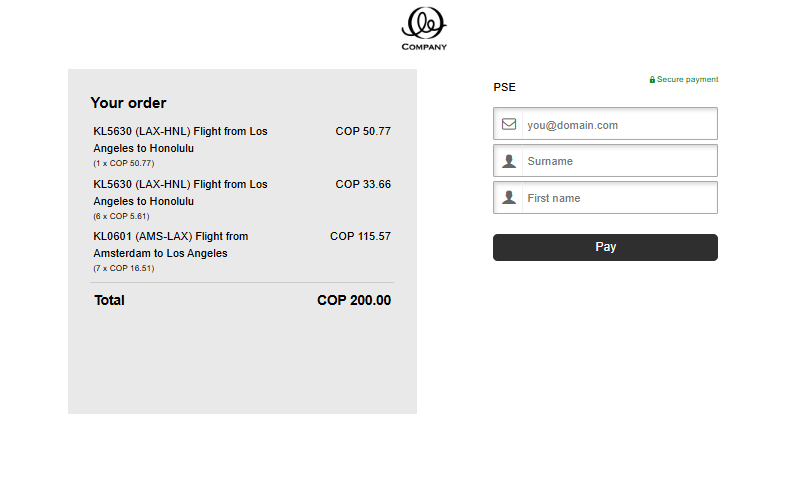
- On the checkout page, consumer chooses PSE from the list of available payment options and gets redirected.
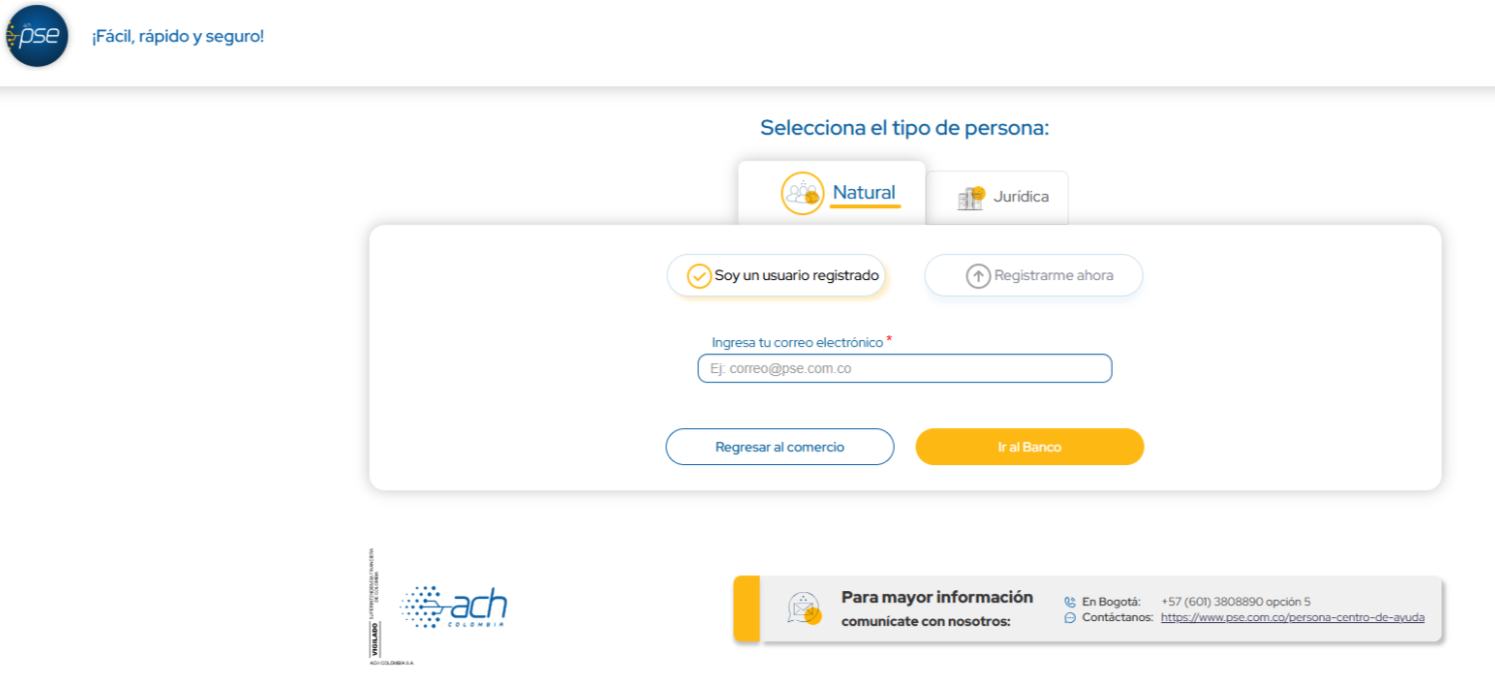
- Consumer is redirected to PSE payment page and fills out their e-mail address.
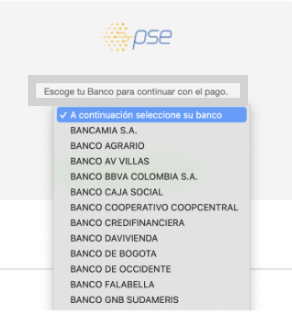
- On the next screen, consumer selects their bank from the list and proceeds to complete the payment.
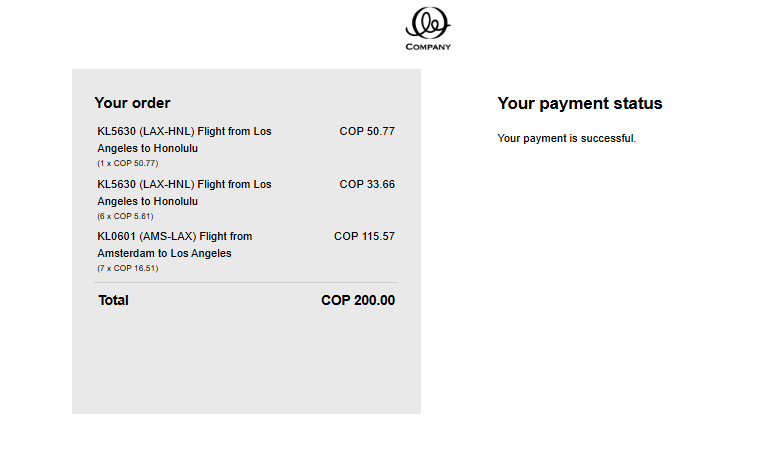
- PSE redirects the consumer back to the order overview and payment status page. This page can be either our MyCheckout hosted payment page or your website page depending on a selected integration method.