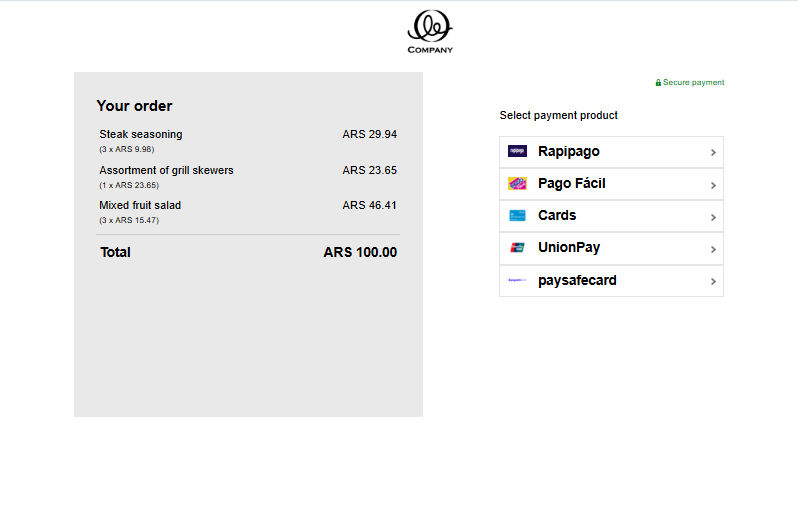
Consumer experience
Mobile
- Consumer selects Rapipago as payment method at the checkout and gets redirected.
- On the Rapipago payment page a barcode is displayed, the consumer scans the barcode and gets redirected to the authentication page in their bank app.
- After completing the payment, the consumer receives a confirmation e-mail.
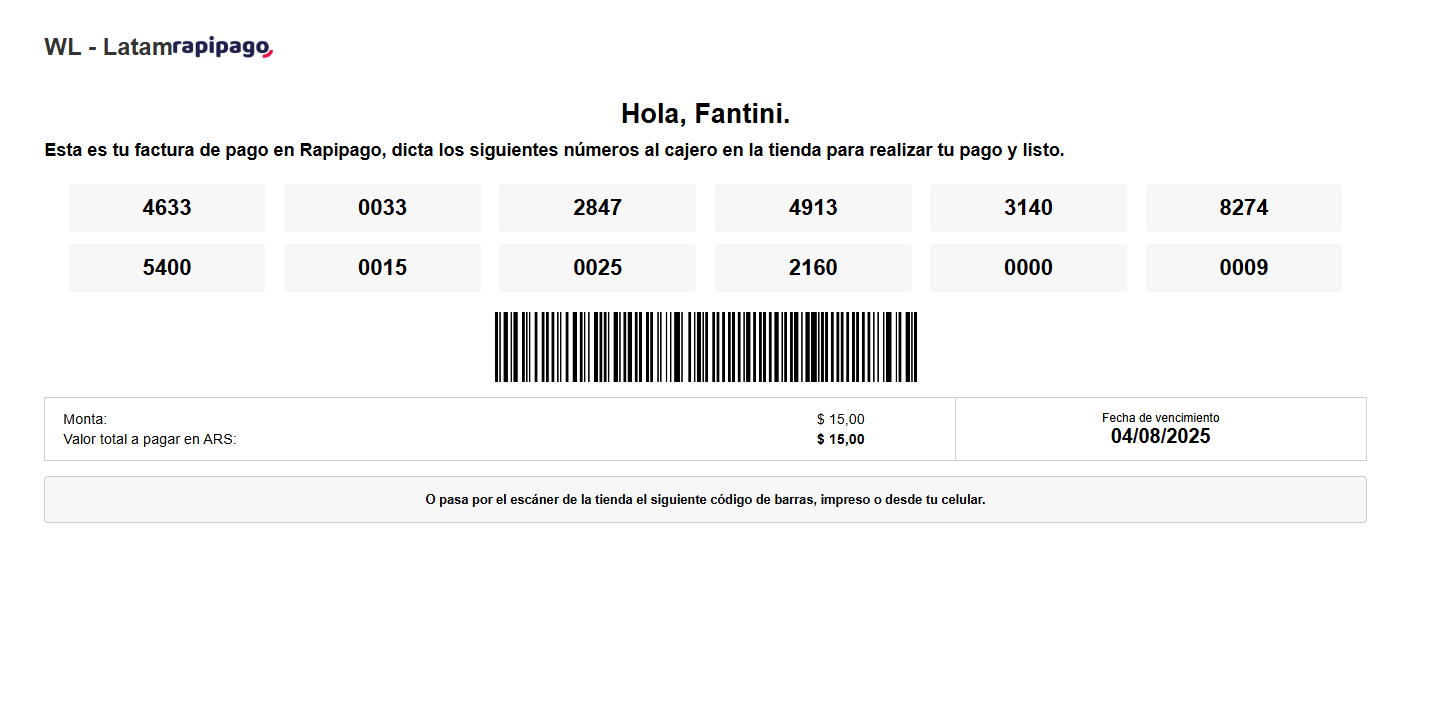
Desktop
- Consumer selects Rapipago as payment method at the checkout and gets redirected.
- On the Rapipago payment page a barcode is displayed. For cash payments, consumer prints the barcode and brings it to any Rapipago supported location to pay. For online payments, the consumer scans the barcode on the screen and gets redirected to the authentication page in their bank app.
- After completing the payment, the consumer receives a confirmation e-mail.