- Overview
- Countries & currencies
- Integration
- Process flows
- Testing
- Additional information
- Consumer experience
- Reporting
- FAQ
Consumer experience
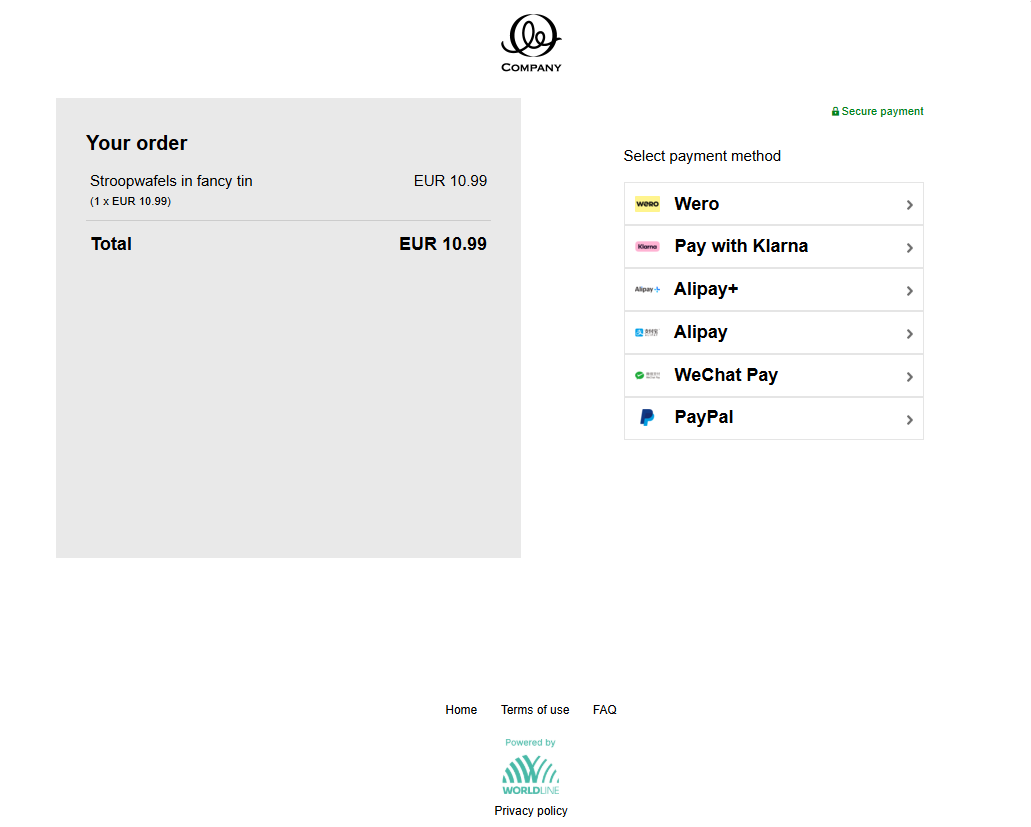
- On the checkout page, consumer chooses Wero from the list of available payment options and gets redirected.
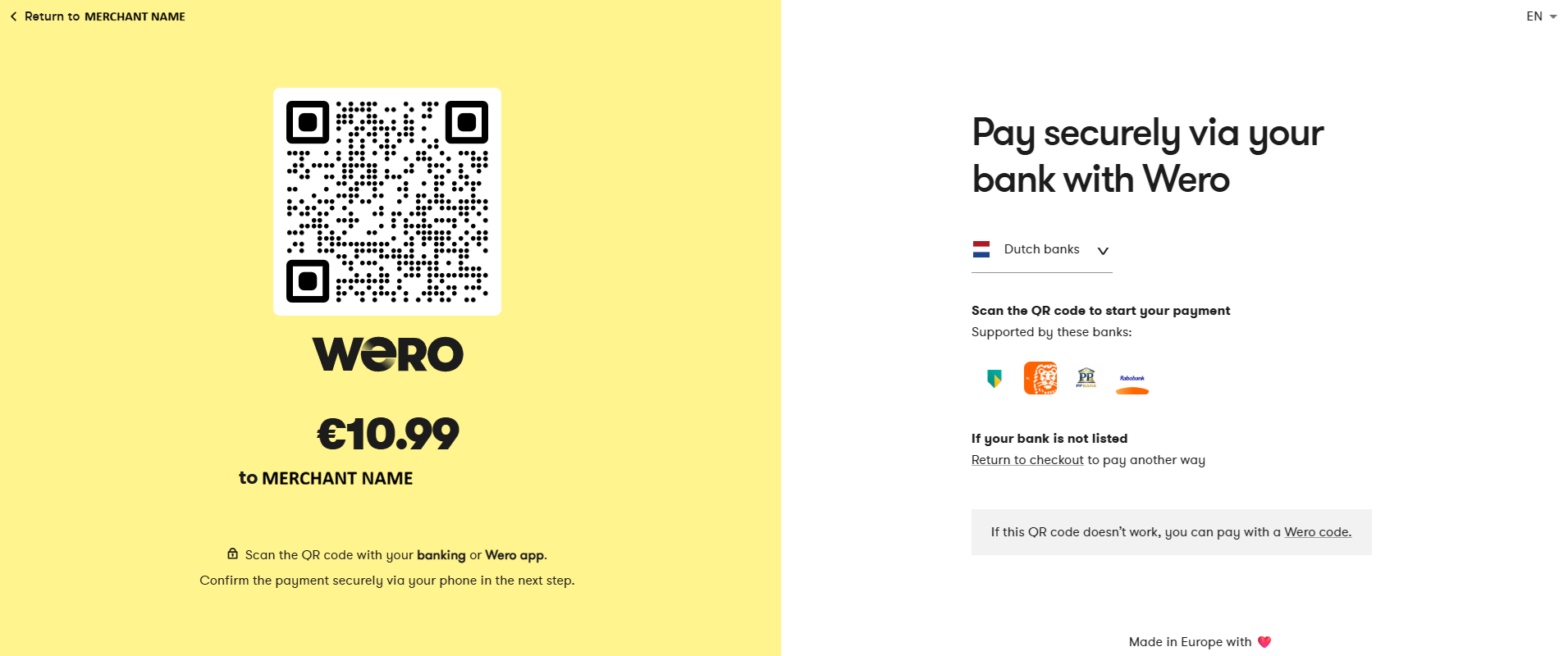
- On the next screen, the consumer needs to scan the QR code with the Wero (or banking) mobile application and confirm the payment.
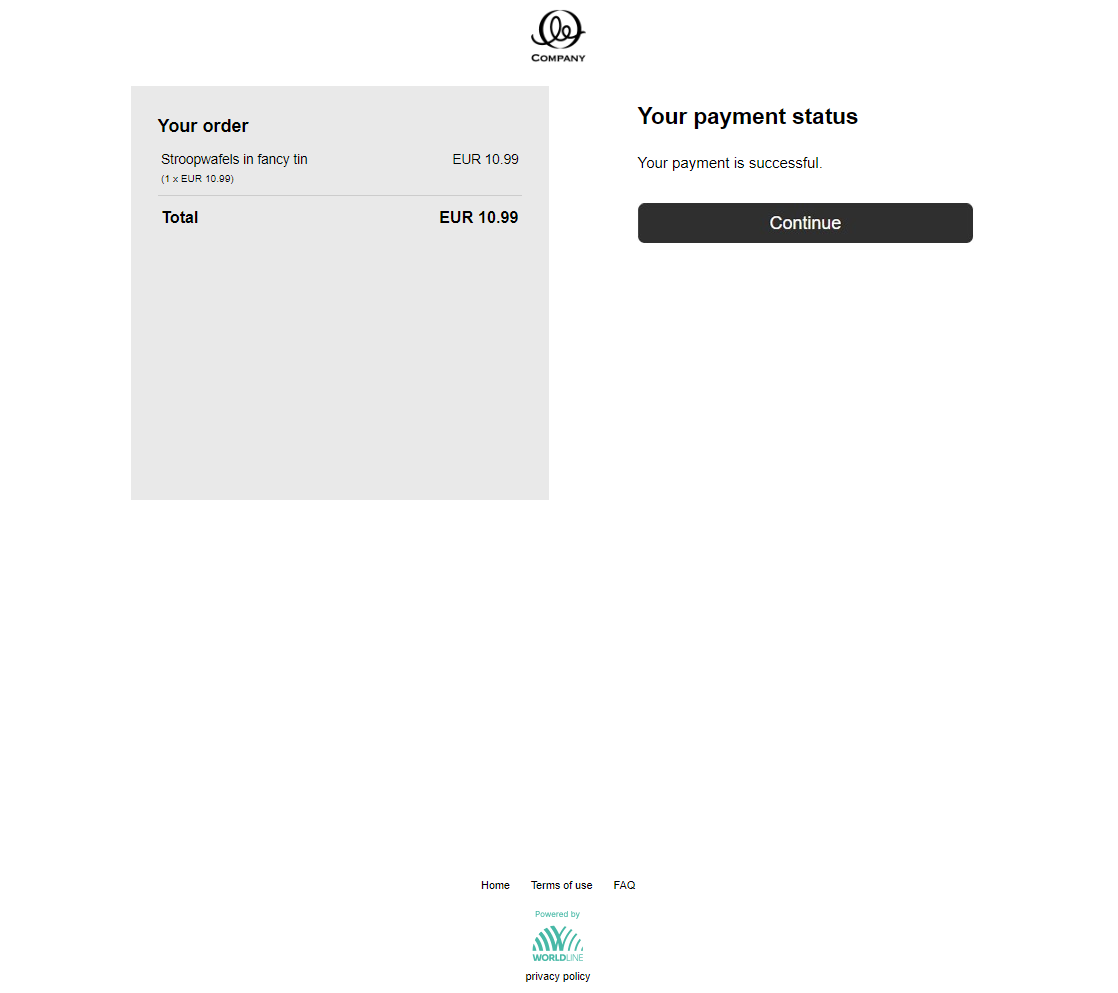
- The consumer completes the payment and is then redirected back to the order overview page.